
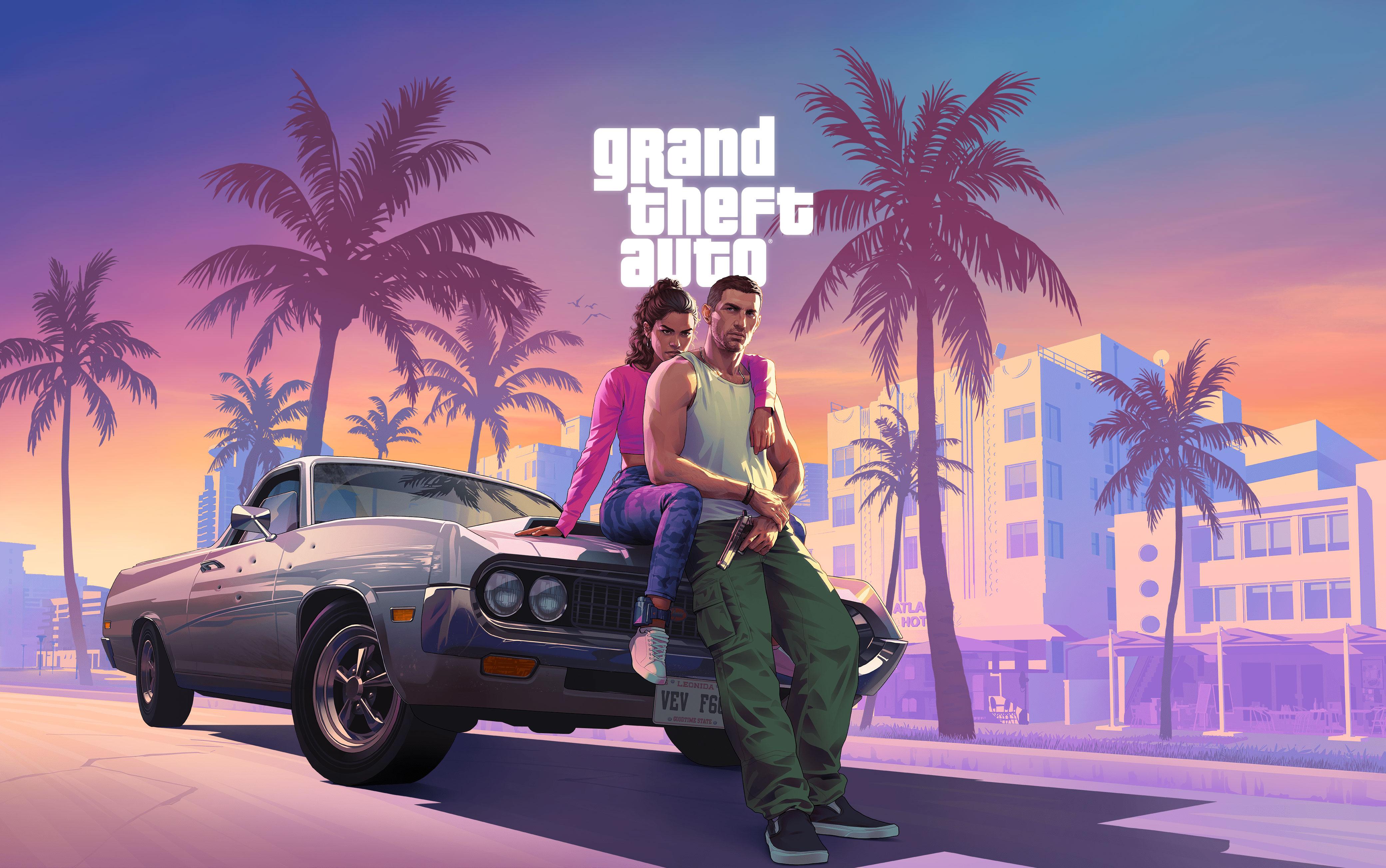
Grand Theft Auto VI arrives on November 19, 2026 and only a few days remain until launch. What time will it be playable in Italy? Where is the best place to buy it? How much space is required to install it and how should you prepare PlayStation 5 or Xbox to avoid wasting time on day one? We’ve gathered official information, checked prices at major retailers and selected practical tips that can truly make a difference.
This guide is intended for those who want to be ready for the release of GTA 6, whether they have already pre-ordered the game or are still deciding where to purchase it. You’ll find information on pre-downloads, available versions, required memory, console settings, and the most common issues reported by players.
GTA 6: quick facts
- Release: Thursday, 19 November 2026.
- Time in Italy: midnight, between 18 and 19 November.
- Console: PlayStation 5 and Xbox Series X|S.
- Pre-download: available from 10 November.
- Space required: up to 212 GB, depending on the console.
- Physical version: Code-in-Box packaging with download code, no Blu-ray disc.
When does GTA 6 come out in Italy and at what time can it be played?
The official date is Thursday 19 November 2026. Rockstar Games has confirmed that Grand Theft Auto VI will be available on PlayStation 5 and Xbox Series X|S, with a release scheduled for midnight local time.
In Italy, therefore, the countdown will end at 00:00 on Thursday, 19 November. Those who have already downloaded the game will be able to launch it as soon as it is unlocked, without having to wait for the completion of a large download.
Be careful not to confuse the release time with the pre-download window: pre-download began on November 10, but play is still subject to the official date and time.
Rockstar has also published a page dedicated to regional times, useful for those using accounts from different countries. However, the advice is to refer to the countdown displayed on the store of your console and avoid attempting to change the account region spontaneously.
Check the official regional schedules for GTA 6 on Rockstar Support
How much does GTA 6 cost? Prices and where to buy it in Italy
One of the most frequently searched queries these days naturally concerns the price of GTA VI. We have compared the Standard edition for PS5 across the main sales channels, distinguishing between the digital store and retailers offering the physical Code-in-Box packaging.
| Store | Price detected | Format |
|---|---|---|
| PlayStation Store | 79.99 € | Digital |
| MediaWorld | 81.99 € | Code-in-Box |
| Euronics | £81.99 | Code-in-Box |
Prices as of November 16, 2026, on the product pages consulted. Availability, promotions, shipping costs, and return conditions may vary. The comparison refers to the Standard Edition for PS5.
PlayStation Store: the most convenient choice to play at midnight
The digital Standard Edition of GTA VI is available on PlayStation Store for 79,99 euro. It’s the most straightforward option for those who want to avoid shipping, pickups, and potential delivery delays.
The concrete advantage is being able to purchase the game directly from your account and use the already available pre-download. Once the installation is complete, all that remains is to wait for the unlock on November 19.
Buy GTA 6 Standard Edition on PlayStation Store
MediaWorld: price and availability of the PS5 version
MediaWorld is offering the PS5 version at 81,99 euro. The product page states delivery or pickup starting from the release date of 19 November. It is therefore important to check the actual availability at your local store and the timelines shown during the order.
If the goal is to start playing exactly at midnight, a physical copy to pick up or receive on the launch day does not offer the same certainty as a digital pre-download already completed.
Check price and availability of GTA VI on MediaWorld
Euronics: be careful with delivery costs
Euronics also lists a price of 81,99 euro for the PS5 version. The page consulted shows a shipping cost of 4,90 euro and the option to check in-store pickup, with availability to be verified depending on the selected store.
Before finalising the purchase, check the total cost in the cart: the product's price alone is not enough to determine which store is truly the most convenient.
Check the GTA VI offer at Euronics
What is the most convenient way to buy GTA 6?
With prices verified at the time of writing, PlayStation Store is the least expensive option among those compared and offers the advantage of early download. MediaWorld and Euronics can be valid alternatives for those who prefer to buy through an Italian retailer, but one must consider potential shipping costs and availability.
Be wary of digital codes sold at unusually low prices on unknown marketplaces, private ads, or shared accounts. A code might already have been used, be incompatible with your account’s region, or come from an unauthorized channel. For a purchase like this, a few euros saved doesn’t justify the risk of license issues.
GTA 6 physical: beware, the packaging does not include the disc
One of the most important details to know before purchasing the in-store version. The physical Standard Edition of GTA VI for PS5 is offered in the Code-in-Box format: the packaging contains a code to redeem, not a Blu-ray disc with the game.
In other words, purchasing the package does not mean you can install GTA 6 directly from a physical disc. You will still need to redeem the code, download the data via the Internet, and install the game onto the console's memory.
Rockstar has also announced that versions with the code in the packaging will be available in stores from November 12. Those who have already received the code can redeem it and proceed with the pre-download, without having to wait until November 19 to start the download.
Before purchasing, always check the product description: the phrase Code-in-Box is decisive for understanding exactly what you are buying.
How to redeem the GTA 6 code on PS5
- Log in to the PlayStation 5 with the account you want to use the game with.
- Open the PlayStation Store.
- Select your avatar’s menu.
- Choose the option Redeem code.
- Enter the code shown on the packaging.
- Confirm the redemption and start the download when available.
Remember that the code is linked to the account it is redeemed on: do not enter it on a profile different from the one you intend to use the game with.
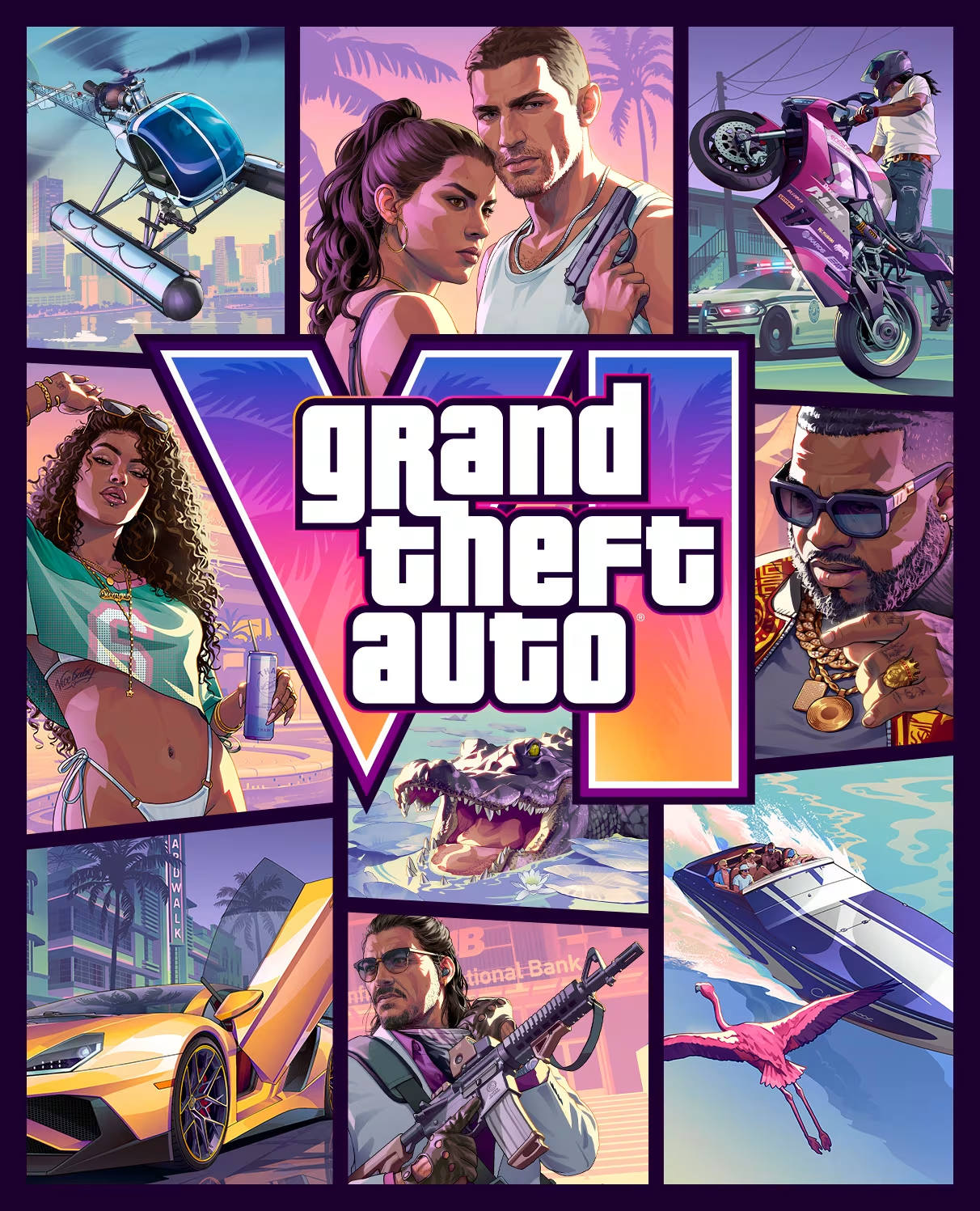
GTA 6 how much does it weigh? 212 GB free space are required
The size of the game is one of the aspects generating the most discussion in the communities. Rockstar and PlayStation indicate a requirement of up to 212 GB of available space, with a size that may vary depending on the device.
It doesn’t mean every installation must necessarily occupy exactly 212 GB: that’s the maximum value indicated to prepare preloading. The key point is to have sufficient space on the destination storage before starting the download.
How to check free space on PS5
- Open the Settings on the console.
- Go to the Storage memory section.
- Check the available space on the console's memory or the M.2 SSD.
- If necessary, delete games you don’t use or move compatible data to an external drive.
Tip: don't wait until you have exactly 212 GB free before starting to organise the console. Leaving a bit of headroom is a sensible choice, especially in light of potential updates after launch. However, there is no official rule that mandates reserving an additional specific percentage.
Can I install GTA 6 on an external USB hard disk?
On PS5, native games for the console can be stored on a compatible external USB drive, but they cannot be run directly from it. To play them, they must be transferred back into internal memory or onto a compatible M.2 SSD.
An SSD M.2 installed correctly and compliant with Sony's requirements can also be used to run PS5 games. If you already have an expansion drive, ensure it is compatible and has sufficient space.
How much space is required on Xbox Series X and Series S?
Rockstar indicates up to 212 GB even for preloading on Xbox Series X|S, with requirements that may vary depending on the device. Before starting the installation, check the available memory and ensure you have sufficient space on the drive designated for games.
If you use an expansion card compatible with Xbox Series X|S, you can use it to manage your library. But don’t assume that any external USB drive can directly run a title optimised for the next generation.

How to prepare PS5 for GTA 6: the settings to check
If you have purchased GTA VI digitally or have already redeemed the box code, the next step is to verify that the PlayStation 5 is ready. Some settings may prevent the download from remaining pending or being interrupted while you are not using the console.
1. Check that the pre-download is complete
GTA VI pre-download is available from 10 November. If you have pre-ordered, don't just check that the game appears in your collection: verify that the files have actually been downloaded.
- Open the Game Collection.
- Select Your Collection.
- Find Grand Theft Auto VI.
- Open the game's reverse countdown.
- Check the pre-download status and, if needed, start it manually.
2. Enable automatic download
To allow the console to automatically download the game and pre-order updates, check the automatic download settings and make sure you’re using the account with which you purchased GTA VI.
If you redeemed a Code-in-Box code, make sure the game has been correctly added to your account's library.
3. Activate Internet connection in sleep mode
If you want to leave the PS5 in standby mode while downloading, ensure it can still connect to the Internet.
Path: Settings > System > Energy Saving > Features available in sleep mode.
Enable the option Stay connected to Internet. This way, the console can continue downloading games and updates while in sleep mode, provided it is properly powered and connected to the network.
4. Check system software updates
Before launch, it is advisable to verify that the PS5 is running an updated system software version.
Path: Settings > System > System software > System settings and software updates.
Check for available updates and, if desired, configure automatic download and installation. No other system settings need to be modified unless there is a precise reason to do so.
5. Check the account and console sharing
If multiple profiles are present on your PS5, ensure you have purchased GTA VI with the correct account. It’s a simple check, but it can prevent access issues with the license.
If you intend to use the game from another profile on the same console, check the setting:
Path: Settings > Users and Accounts > Other > Console Sharing and Offline Playback.
Sharing allows other console users to access certain content purchased by the owner account, subject to PlayStation terms. Do not confuse this feature with the ability to transfer the game to another account.
How to prepare Xbox Series X|S for GTA 6
Also on Xbox, preloading is available from November 10, but the launch time differs from the one planned for PlayStation. Rockstar indicates a global Xbox launch at 00:00 GMT on November 10, while the game’s release is scheduled for midnight local time on November 19.
To prepare the console:
- Check that you have purchased or booked GTA VI with the correct Microsoft account.
- Check the available space on the internal memory or compatible expansion unit.
- Check that automatic game updates are enabled.
- Check the power and suspension settings so the console can complete downloads when you’re not using it.
- Open the download queue and check that the installation has finished.
If you purchased the version with the code in the packaging, redeem it via the Microsoft Store using the account you intend to play with. Even on Xbox, the early download does not allow you to start the game before the official time.

How to speed up the download of GTA 6
With a download that can reach 212 GB, connection quality and network stability become important. There is no hidden setting capable of multiplying the speed of PlayStation or Xbox servers, but some precautions can help.
Ethernet or Wi-Fi?
If possible, connect the console to the router via an Ethernet cable. A wired connection can reduce interference and fluctuations, especially if the router is far from the console or if the wireless network is heavily congested.
A good Wi-Fi can still deliver high performance: it’s not necessary to buy a new router just to download GTA VI.
Avoid saturating the home network
During the download, try to minimise other heavy transfers: PC updates, downloads on other consoles, online backups, and high-resolution streaming across multiple devices can reduce available bandwidth.
If the speed varies a lot, try downloading at a time when your home network is less busy.
Do not change DNS and MTU following random guides
Online, numerous tutorials circulate that promise to speed up downloads by modifying DNS, MTU, and other connection parameters. There is no universal value that guarantees an increase in speed on Sony or Microsoft servers.
If the connection is working correctly, it is preferable to keep the automatic settings. Modifying parameters without knowing which issue you are trying to resolve may worsen network stability.
GTA 6 on PS5 Pro: what changes compared to PS5?
Grand Theft Auto VI is listed as optimised for PS5 Pro. Sony has confirmed the use of technologies such as PlayStation Spectral Super Resolution (PSSR) to enhance image clarity and shadows with ray tracing.
This does not mean that a specific frame rate or particular graphical setting can be assumed. Support for PS5 Pro does not automatically confirm 60 FPS, 120 FPS, or a precise native resolution.
For those who own a standard PS5, a PS5 Slim, or a PS5 Pro, the advice is therefore to avoid purchasing additional hardware based on unconfirmed performance rumours. The actual differences should be assessed based on technical specifications and gameplay tests.
Which video settings should you check on PS5?
Before launching GTA VI, you can check some console and TV settings. Not all of them guarantee automatic improvement: their effectiveness also depends on the screen’s characteristics and the game’s support.
- Resolution: you can leave the automatic setting, unless your television has specific requirements.
- HDR: If the TV is compatible, perform the HDR calibration from the PS5 settings.
- 120 Hz: you can enable them if the screen supports them, but it doesn’t mean GTA VI will run at 120 FPS.
- VRR: you can keep it active if the TV is compatible; the actual benefit will depend on the game's support.
- HDMI: use a port compatible with the video features you want to utilise and check the TV settings.
Do not adjust settings expecting performance that has not been confirmed. For now, it’s wiser to start with a correct configuration and assess any adjustments after playing the game.
DualSense and 3D audio: how to make use of PS5 features
On PlayStation 5, GTA VI uses various features of the DualSense controller. Sony has confirmed support for:
- Haptic feedback: more articulated vibrations than the traditional rumble.
- Adaptive triggers: variable resistance of the L2 and R2 buttons.
- Integrated speaker: for certain audio effects reproduced directly by the controller.
- Audio 3D Tempest: for enhanced spatial audio with compatible devices.
The advice is to check that the controller’s effects have not been disabled in system or accessibility settings. If you’re using compatible headphones, you can also review the 3D audio configuration before starting.
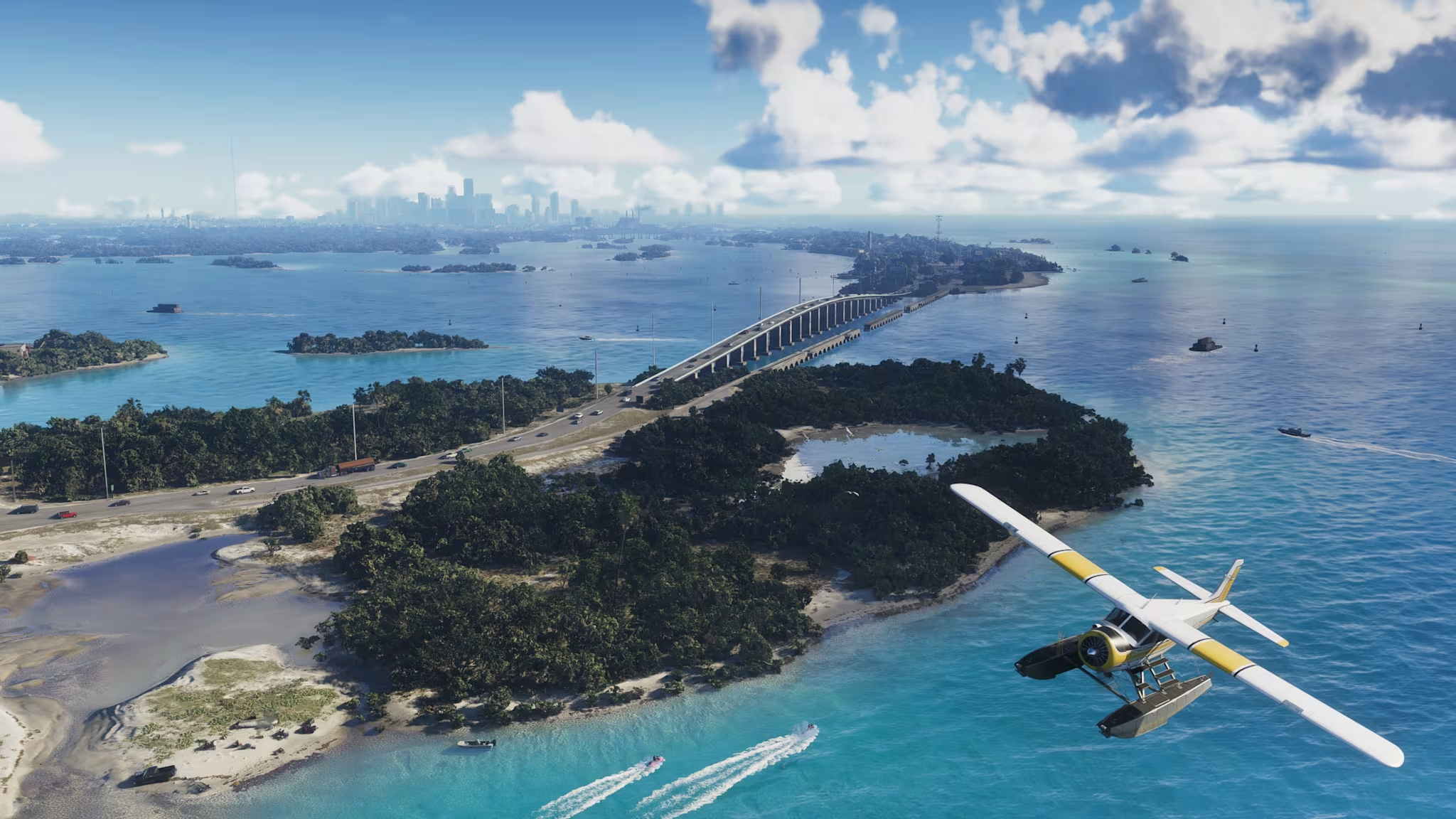
Can you play GTA 6 before November 19 by changing region?
It’s one of the questions that crops up most frequently in online discussions. The staggered launch based on time zones has fuelled what’s known as the New Zealand method, i.e. the attempt to gain early access by changing the console region or using accounts from other countries.
On PlayStation, however, simply changing the console’s time zone is not enough to unlock the content: the availability of the content also depends on the store region and the license associated with the account.
We do not recommend creating foreign accounts or purchasing codes from uncertain origins in an attempt to bypass regional restrictions. You may encounter payment issues, regional compatibility problems, license management difficulties, and access to content restrictions.
The safest option is to use your own account, reverse-check the store account, and wait for the official time scheduled for Italy.
Can GTA 6 be played offline?
The GTA VI card on PlayStation Store indicates the possibility of playing offline and presents the title as a single-player experience. However, this does not mean it is prudent to completely ignore the Internet connection at first launch.
To avoid issues, it is advisable to complete the download, verify the license, and launch the game with the console connected to the network at least once. If you are using an account different from the one that purchased the game, also check the console's sharing settings.
Don't confuse the ability to play offline with the absence of any connection requirements for downloads, updates, or license verification.
GTA 6 on PS4 or PC: which platforms are supported?
At launch, Grand Theft Auto VI is scheduled for PlayStation 5 e Xbox Series X|S. The official PlayStation page states that the game will not be available on PS4.
Regarding the PC, Rockstar has not indicated a PC version among the launch platforms for November 19, 2026. It is therefore advisable to be wary of any pages promoting PC codes or unofficial GTA VI downloads.
If you’re waiting for a PC version, refer exclusively to Rockstar Games’ announcements: do not purchase purported PC keys or software that promise early access.
Issues with GTA 6 pre-download: what to do?
If the game appears in the download queue but doesn't start, before deleting everything, it's worth trying the procedure indicated by PlayStation.
- Open the Control Centre and select Download/Caricamenti.
- Find the GTA VI download.
- Select Pause.
- Wait a moment and select Resume.
If the issue persists, PlayStation suggests cancelling and deleting the download, returning to the Game Collection, and re-enabling automatic download. Before doing so, verify that you have sufficient space, a working connection, and that you are logged into the account used for pre-order.
For other issues, you can consult the official PlayStation support page dedicated to GTA VI.
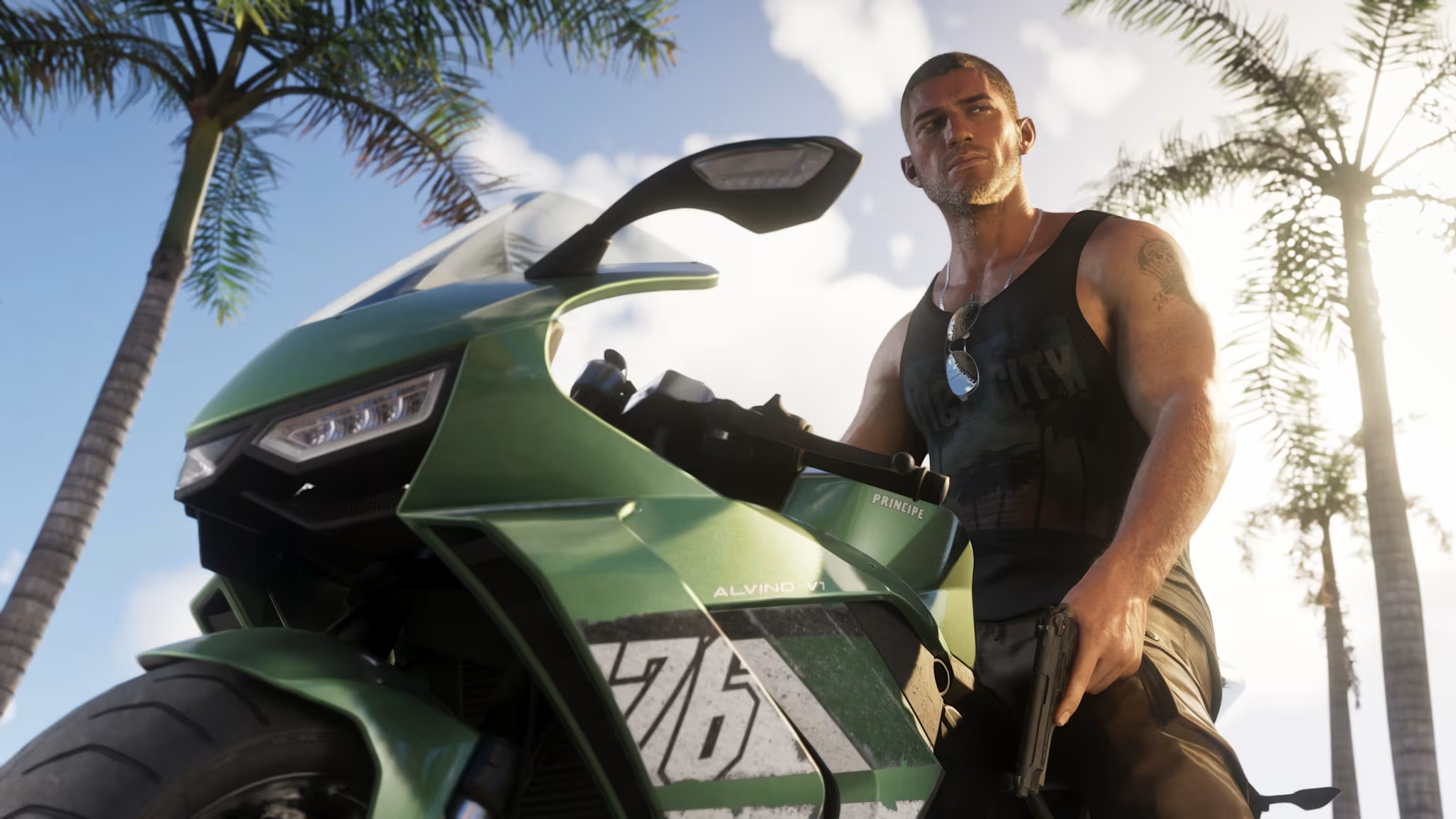
GTA 6: the most frequently asked questions before the release
What time does GTA 6 come out in Italy?
GTA VI will be available in Italy at 00:00 on Thursday, 19 November 2026, according to the midnight local release confirmed by Rockstar Games.
How much space does GTA 6 take up?
Preloading requires up to 212 GB of available space, depending on the device used.
Is GTA 6’s pre-download already available?
Yes. Pre-loading began on PS5 and Xbox Series X|S on 10 November 2026, with different timings for the two platforms.
Does the physical version of GTA 6 contain a disc?
No. The Standard edition in box is a Code-in-Box: it contains a code to redeem for downloading the game, not a Blu-ray disc.
How much does GTA 6 cost on PS5?
The Digital Standard Edition was found at €79.99 on PlayStation Store. The Code-in-Box versions consulted at MediaWorld and Euronics are priced at €81.99, before potential delivery costs.
GTA 6 will be available on PS4?
No. The launch is scheduled for PS5 and Xbox Series X|S. The official PlayStation page states that GTA VI will not be available on PS4.
Will GTA 6 be available on PC at launch?
For now, the release on November 19, 2026, is scheduled for PS5 and Xbox Series X|S. Rockstar has not indicated a PC version for this date.
Will GTA 6 run at 60 FPS on PS5 Pro?
You shouldn't assume a specific frame rate. Sony has confirmed visual improvements for PS5 Pro, including PSSR and ray-traced shadows, but this doesn't equate to an official confirmation of 60 FPS.
Can I play GTA 6 without Internet?
The PlayStation Store card indicates the game is offline-enabled. It is still advisable to complete the download and license verification using a connected console before attempting to play offline.
GTA 6 is ready: now all that remains is to wait for Vice City
The release of Grand Theft Auto VI is now imminent, and after years of anticipation, millions of players are preparing to enter Rockstar Games’ new setting. In recent days, there’s no need to chase improbable tips or modify settings without reason: the most useful thing is to verify the purchase, complete the download, and ensure the console is ready.
Our advice is to avoid rushing until the last moment, especially if you’ve chosen a version with a code in the packaging or still need to free up space on your memory. Once these points are sorted, all that remains is to wait until midnight on November 19.
And you’re already ready to head back to Vice City? Did you go for the digital version or the boxed edition?
About the Author